
Your money. Clearer.
Plan everyday spending, see what changed, and keep your core financial data on your device by default.


Local-first by default. Your core budget data stays on your device.
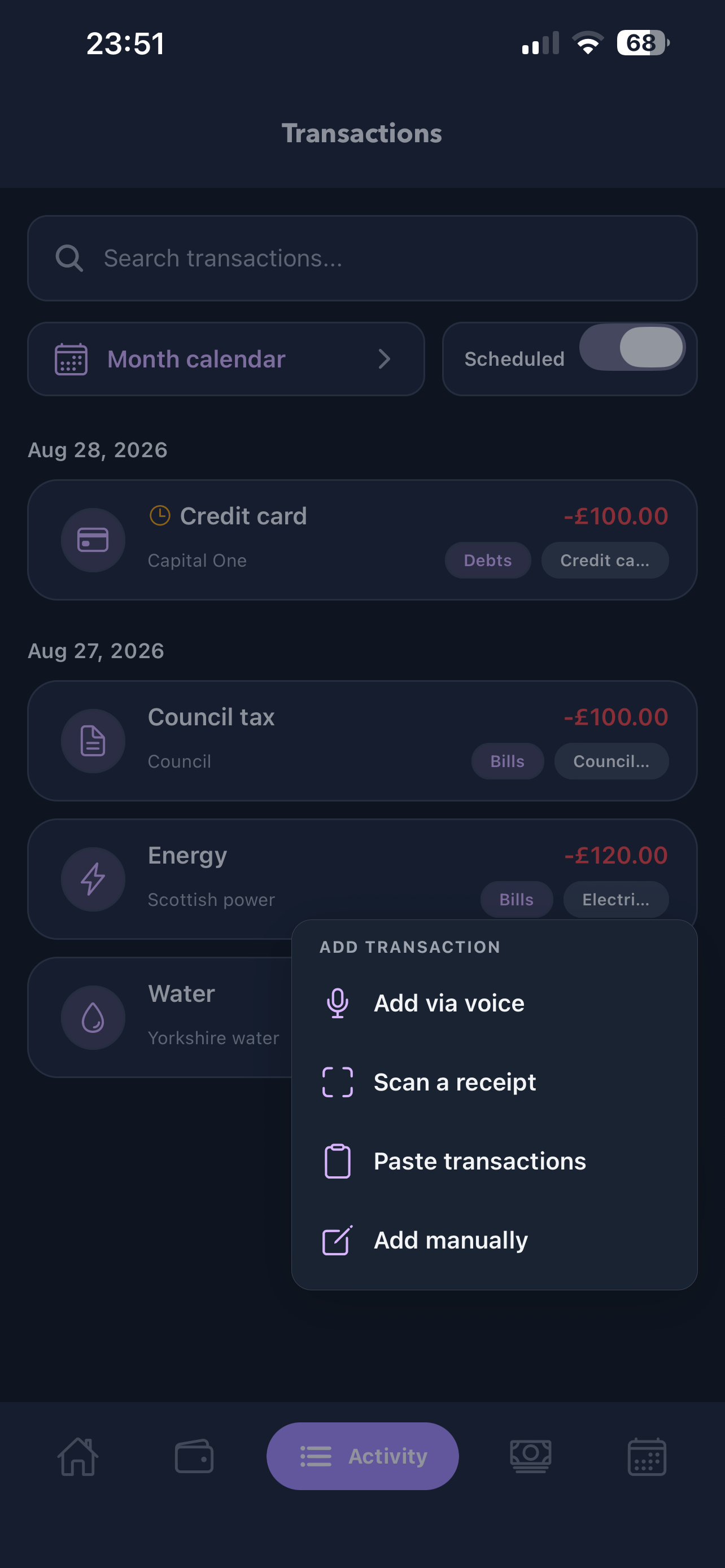
Fast when life happens. Add by voice, receipt, paste or hand.
Useful AI, less exposure. Insights use privacy-minimised summaries.
A budget that keeps up with real life.
Cherry connects the plan you make at the start of the month with the small decisions that happen every day.
Give every pound a job before the month gets loud.
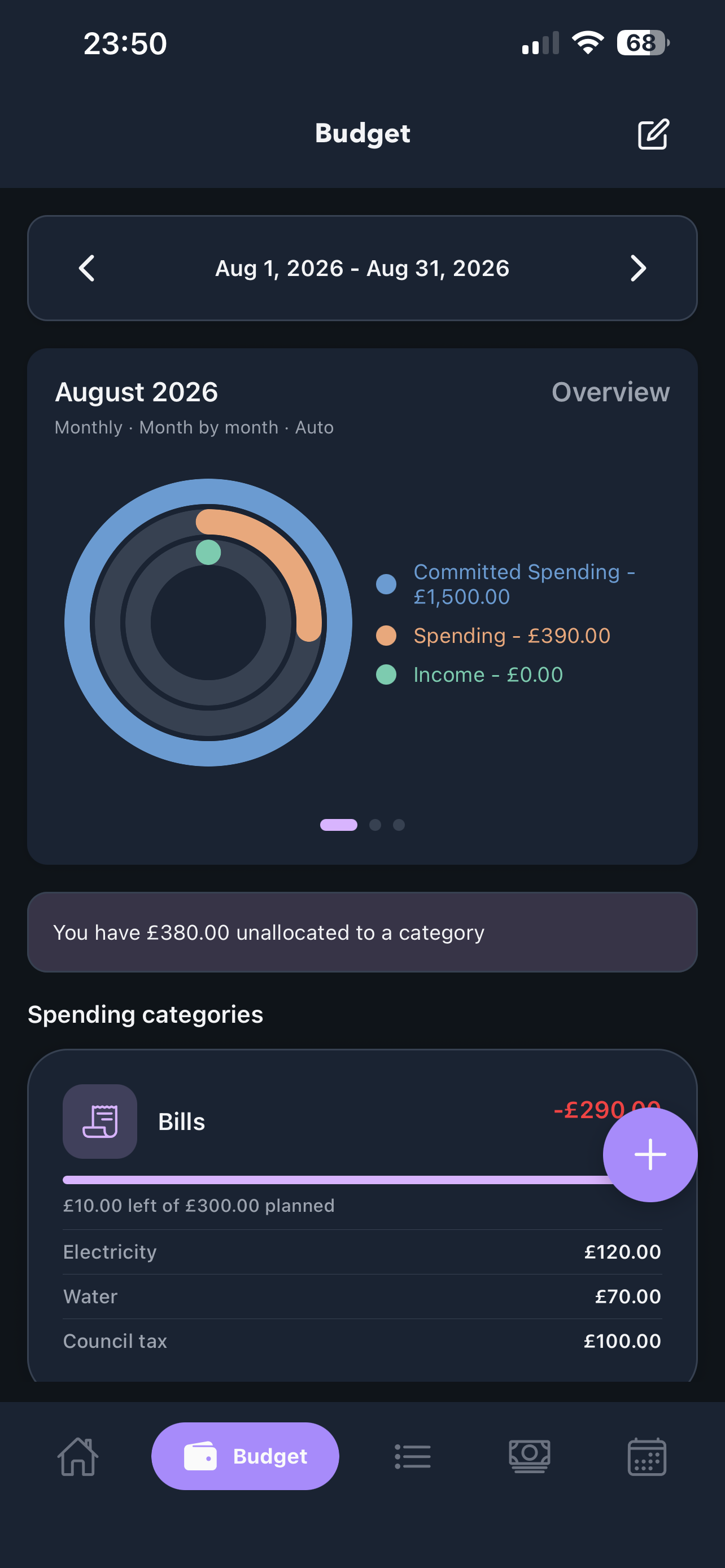
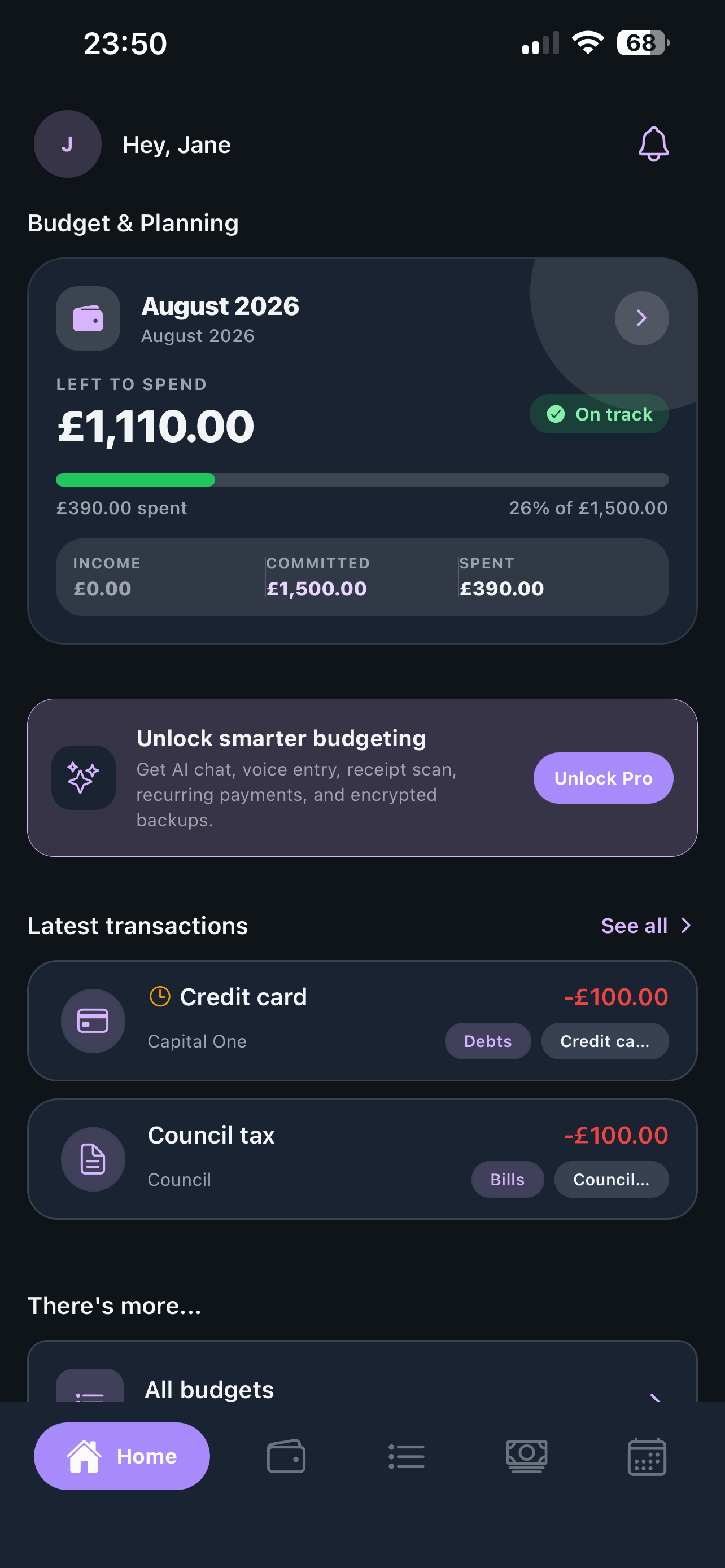
Set income, categories and planned amounts for the cycle ahead. Cherry keeps the whole plan visible, including what is committed, what has gone out, and what is still yours to spend.
- Flexible budget cycles
- Planned versus actual spending
- Clear category-level detail
Four ways in. One clear record.
Add a transaction manually, speak it, scan a receipt, or paste a batch. Use the route that matches the moment, then get back to your day.
Notice the pattern while it can still help.
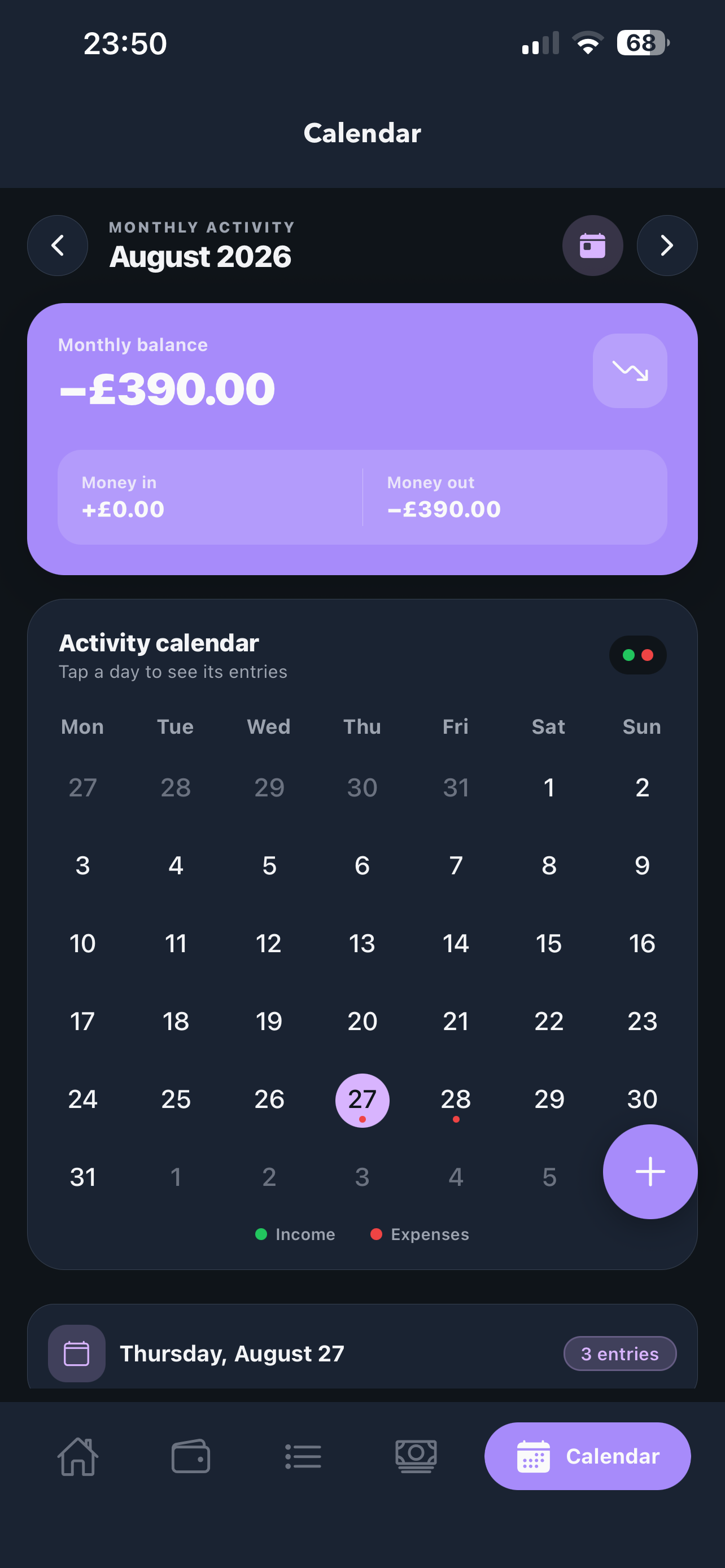
Compare planned and actual spending, review category trends, and see activity across the month. Weekly AI reports turn privacy-minimised summaries into practical observations.
AI features are optional. Core budgeting stays local-first.
Questions, answered clearly.
Everything you need to know about planning, tracking and keeping your financial data private with Cherry.
What can I plan with Cherry?
Set your expected income, create spending categories and give each one a planned amount for the budget cycle. Cherry keeps planned and actual spending visible together.
How can I add transactions?
Add them manually, paste a batch, use voice capture or scan a receipt. Choose whichever route fits the moment.
Where is my financial data stored?
Your profile, budgets and transactions stay on your device by default. Backup and restore data is encrypted.
Does Cherry use AI?
AI features are optional. Weekly insights work from privacy-minimised summaries rather than your raw transaction list.
Can I see where my money is changing?
Yes. Compare planned and actual spending, review category trends and see activity across the month in one clear view.
Contact Cherry
Questions? We’re here.
Need help or want to know more about Cherry? Choose the way that works best for you.
Make money feel easier to face.
Get Cherry on the App Store and Google Play.